For a long time, AI generated images (Midjourney) and text (ChatGPT) were lightyears ahead of AI audio. AI music was often a garbled, staticky mess that sounded like a broken radio.
That changed in 2026. Two titans have emerged to claim the throne of the “ChatGPT of Audio.” On one side, we have Suno AI, the first mover that shocked the world with its ability to generate full-length songs with coherent lyrics. On the other side, we have Udio, the mysterious newcomer founded by ex-Google DeepMind researchers that promises “high-fidelity” audio indistinguishable from human recordings.
If you are a content creator, a songwriter, or just curious, you need to know which platform deserves your subscription money.
In this massive Suno vs Udio comparison review, we will break down audio fidelity, song structure, ease of use, and copyright ownership. We spent 50 hours generating tracks on both platforms to bring you the definitive answer.
Table of Contents
The Contenders: Who Are They?
Before diving into the technical Suno vs Udio comparison, let’s establish who these players are.
Suno AI (The Songwriter)
Suno (specifically Version 3.5) is designed for structure. It understands verse, chorus, bridge, and outro. It aims to create a “Radio Ready” song in one click. It is accessible, fast, and lives inside a web dashboard (and Discord).
Udio (The Producer)
Udio exploded onto the scene with a beta that stunned audiophiles. While Suno focuses on structure, Udio focuses on texture. It captures the scratch of a vinyl record, the breath of a singer, and complex vocal harmonies. It is currently the darling of the “pro” AI community.
Round 1: Audio Quality and Fidelity
The most immediate difference you notice in a Suno vs Udio test is the crispness of the sound.
Suno AI
Suno V3 has improved massively, but it still has a distinct “AI Haze.”
- The “Fuzzy” Sound: At higher frequencies (cymbals, “S” sounds in vocals), Suno can sound compressed, similar to a low-quality MP3 (128kbps).
- Voice Clarity: The voices are clear and intelligible, but they sometimes have a slight “autotune” robotic artifact, even on acoustic tracks. While ElevenLabs handles speech, Suno handles music
Udio
This is where Udio wipes the floor with the competition.
- High Fidelity: Udio tracks often sound like CD quality. The instrumentation is distinct. You can hear the difference between a Stratocaster and a Les Paul guitar.
- Human Nuance: Udio captures “mistakes” that make music sound human—a slight crack in a voice, a breath before a line, or the hum of an amplifier.
Winner: In this Suno vs Udio round, Udio wins by a landslide on pure audio quality.
Round 2: Song Structure and Coherence
A great sounding clip is useless if it doesn’t sound like a song. This is the core of our Suno vs Udio analysis.
Suno AI
Suno is the king of coherence.
- The 4-Minute Miracle: You can prompt Suno to write a 4-minute song, and it usually gets the structure right. It knows how to transition from a quiet verse to a loud chorus.
- Lyric Flow: Suno rarely hallucinates lyrics. If you paste your own lyrics, it follows the rhythm perfectly.
Udio
Udio generates in “32-second chunks.”
- The Extension Problem: To make a full song on Udio, you generate 32 seconds, then click “Extend,” then another 32 seconds.
- The Result: This often leads to disjointed songs. The chorus might sound like a completely different genre than the verse. It requires much more manual curation and patience to stitch together a full track.
Winner: In this Suno vs Udio round, Suno takes the gold. If you want a full song in one click, Suno is the only option.
Round 3: Prompt Adherence and Creativity
How well do they listen to you? We tested specific prompts like “1950s Doo-Wop about a alien invasion” for this Suno vs Udio test.
Suno AI
Suno is very literal. If you ask for “Heavy Metal,” you get generic Heavy Metal. It is safe. It creates music that sounds like “Library Music”—good, standard, but rarely surprising.
Udio
Udio is creative, sometimes to a fault.
- Genre Blending: Udio excels at complex prompts like “Avant-garde Jazz mixed with Dubstep drops.” It finds creative ways to merge sounds that shouldn’t work together.
- Hallucinations: Sometimes Udio ignores your prompt entirely. You might ask for a male voice and get a female choir.
Winner: Tie. Use Suno for standard genres (Pop, Country, Rock). Use Udio for experimental and complex genres (Jazz, Classical, IDM).
Round 4: User Interface and Workflow
Time is money. Which tool is faster?
Suno AI
Suno’s web interface is clean.
- Library Management: It is easy to find your old songs.
- Simple Mode: A simple toggle for “Instrumental” or “Vocal.”
- Speed: Generations take about 10-20 seconds.
Udio
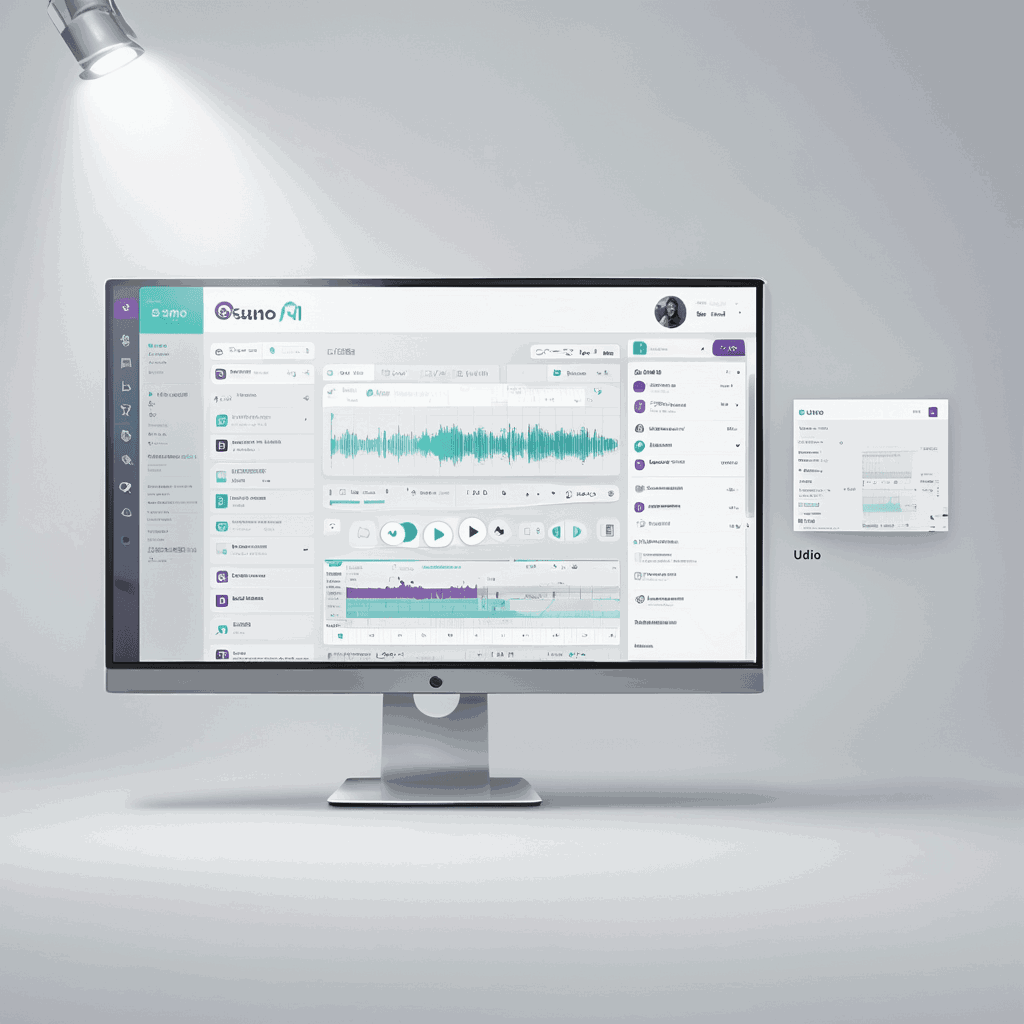
Udio’s interface is more complex, resembling a Digital Audio Workstation (DAW) slightly.
- The “Remix” Feature: Udio allows you to “Remix” a track, keeping the seed but changing the variance. This is powerful for tweaking.
- Manual Mode: Allows extensive control over how much the AI listens to the prompt.
- Speed: Slower. Generation can take 40-60 seconds, and extensions take even longer.
Winner: Suno is better for beginners. Udio is better for power users who want control.
Round 5: Copyright and Commercial Use
This is the most critical part of our Suno vs Udio review for businesses and creators. Can you put these songs on Spotify?
Suno AI
- Free Plan: You do NOT own the copyright. You cannot monetize.
- Pro/Premier Plan ($10/mo): You own the copyright to the songs you generate. You can upload them to Spotify, YouTube, and Apple Music and keep the royalties.
Udio
- Free Plan: Historically, no commercial rights.
- Standard/Pro Plan ($10/mo): Udio recently updated their terms. Paying subscribers own the commercial rights to their generations.
The Verdict: Both platforms now offer the same deal. Pay the subscription, own the song.
Warning: Copyright laws regarding AI are still in flux. While Suno/Udio say you own it, the US Copyright Office has not yet ruled definitively on whether AI-generated works can be copyrighted. Proceed with caution.
How to Write Better Music Prompts
Regardless of who wins the Suno vs Udio battle, the AI is only as good as the prompt. Here are 3 tips to get better results on both.
1. Use “Vibe” Words
Don’t just say “Rock music.”
- Bad: “A rock song about trucks.”
- Good: “70s Classic Rock, gritty male vocals, distorted Les Paul guitar riffs, energetic drums, anthem, stadium reverb.”
2. Structure Your Lyrics (Meta Tags)
Both engines respond to “Meta Tags” in the lyrics box. Use square brackets.
[Verse 1][Chorus - Loud, Anthemic][Guitar Solo][Bridge - Quiet, Whispered][Outro - Fade Out]
3. Describe the Voice
Be specific about the singer.
- “Smoky female jazz vocals”
- “Aggressive British punk male vocals”
- “Autotuned hyperpop vocals”
The Verdict: Suno vs Udio – Which Should You Choose?
After generating hundreds of tracks, our conclusion on Suno vs Udio is clear. They serve different purposes.
Choose Suno AI If:
- You want a full song fast: You need a background track for a YouTube video intro in 30 seconds.
- You prioritize lyrics: You are a songwriter who wants to hear how your lyrics sound in a melody.
- You want structure: You need a coherent verse-chorus-verse structure without manual editing. You can use these AI tracks to score your Faceless YouTube Channel
Choose Udio If:
- You are an audiophile: You cannot stand the “fuzzy” sound of low-quality audio.
- You want samples: You are a hip-hop producer looking for realistic samples to chop up in a DAW.
- You like complex genres: You want to make classical, jazz, or experimental music where texture matters more than lyrics.
Overall Winner: For the general public, Suno is still the more usable product due to its coherence. But for the future of AI music, Udio holds the technological edge.
Future Outlook: What’s Next?
The Suno vs Udio rivalry is just beginning.
- Audio-to-Audio: Both platforms are experimenting with features where you hum a melody, and it turns it into an orchestra.
- Stem Separation: Soon, we expect native features to download the vocals and drums separately (Stems), which will revolutionize music production.
The gap between a “real musician” and an “AI prompter” is shrinking. Whether you choose Suno or Udio, the ability to create studio-quality music is now in your browser.